A Hands-On Review of the Huion Inspiroy H610X Tablet
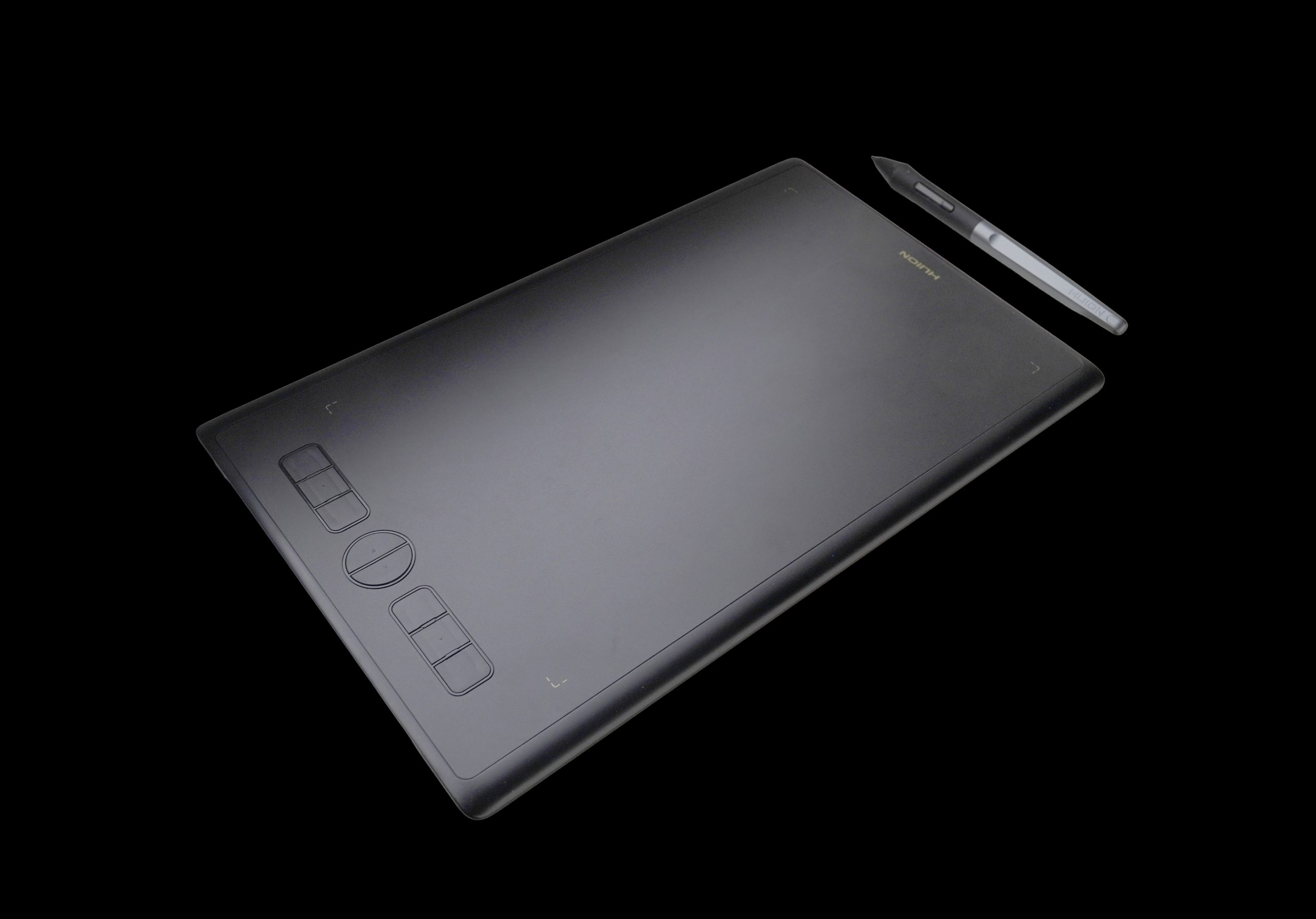
Thanks to Huion’s generous New Year raffle, I received the Inspiroy H610X tablet—a delightful upgrade from my previous HS64. As someone who often works on the go, I initially used the compact HS64 paired with my laptop, which served me well due to its portability and compatibility with smaller screens. However, the H610X has proven to be a substantial step forward in both functionality and design.
First Impressions and Build Quality
The Inspiroy H610X immediately feels solid and well-built, exuding a level of craftsmanship that rivals premium tablets like the Wacom Intuos Pro, which I previously owned. The larger size fits comfortably in hand, making it a joy to use. I couldn’t resist putting it to work right away, especially since I had a live drawing session during a conference call—an excellent test of its real-world performance.
Seamless Driver Integration
One of Huion’s standout features is its unified driver system, which works seamlessly across their range of tablets (within the same series). This approach simplifies setup and ensures stable performance—a significant advantage for professionals who value reliability.
Design and Features
The tablet’s minimalistic and professional design is another highlight. Personally, I prefer tablets without wheels or other features that can interfere during use. This straightforward design ensures a distraction-free workflow.
The switch from a mini-USB port on the HS64 to a USB-C connection on the H610X is a welcome improvement. USB-C is not only easier to find but also more versatile. However, a small suggestion for Huion’s engineers: consider adding USB-C ports on multiple sides of the tablet (left, right, and top). This flexibility would enhance user comfort, as cable positioning can vary depending on your workspace setup.
Surface and Pen Performance
The tablet’s surface offers a pleasant drawing experience, though I always apply a glossy protective film, making the surface texture less critical for me. The PW550S pen I used with other Huion models feels slightly more refined compared to the pen included with the H610X. While the H610X pen is functional, it feels less stable and comfortable for detailed work. It’s worth noting that the PW550S pen is not compatible with the H610X, which may be disappointing for users accustomed to using multiple Huion devices.
Future Aspirations
Looking ahead, I’m eager to explore Huion’s larger screen tablets, such as the 19-inch models or the Kamvas Studio 16. It will be interesting to see how these devices perform for 3D work and whether they can match the portability I require for travel.
Final Thoughts
Overall, the Huion Inspiroy H610X is a fantastic tablet, offering excellent build quality, reliable performance, and thoughtful design choices. While there’s room for minor improvements, such as pen consistency and additional USB-C ports, these are far outweighed by the tablet’s strengths.
Once again, thank you to Huion for this wonderful New Year gift!