During the last 10 years, before I found out about the Huion company, I used Wacom tablets, and my last one was “Intous pro L”. I have been trying different Huion tablets because they were much more affordable and still improved model by model.
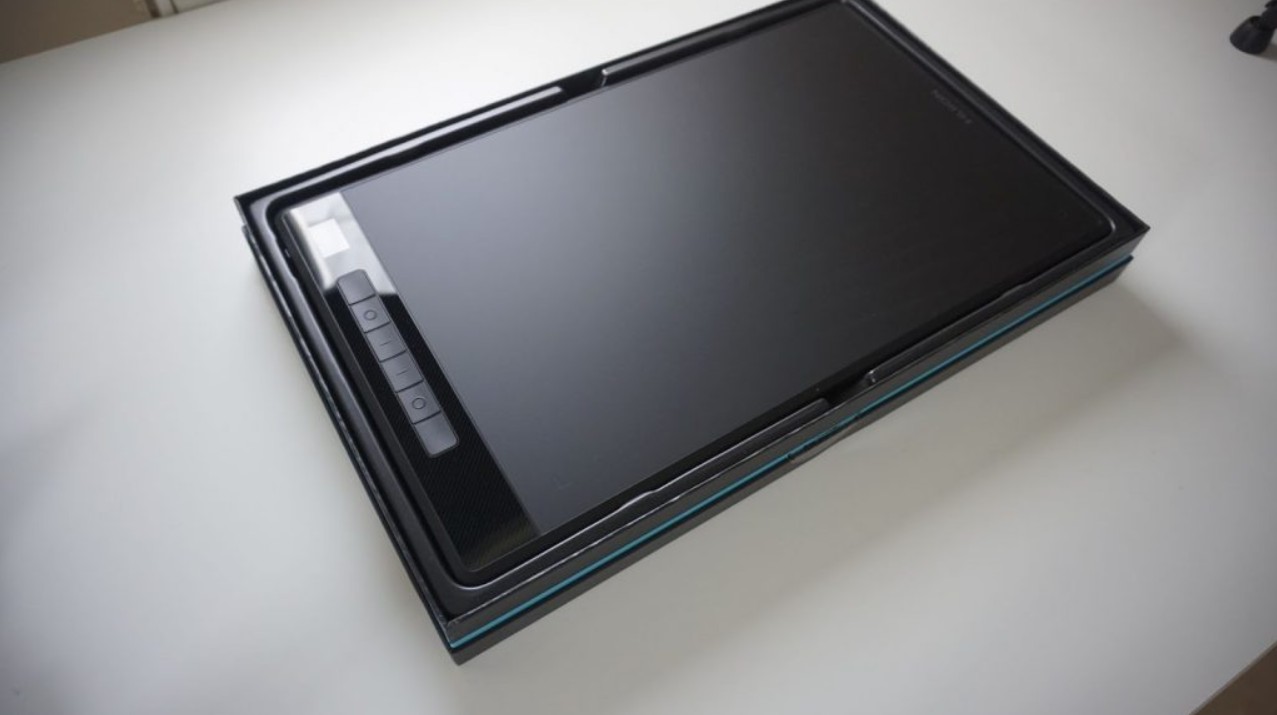
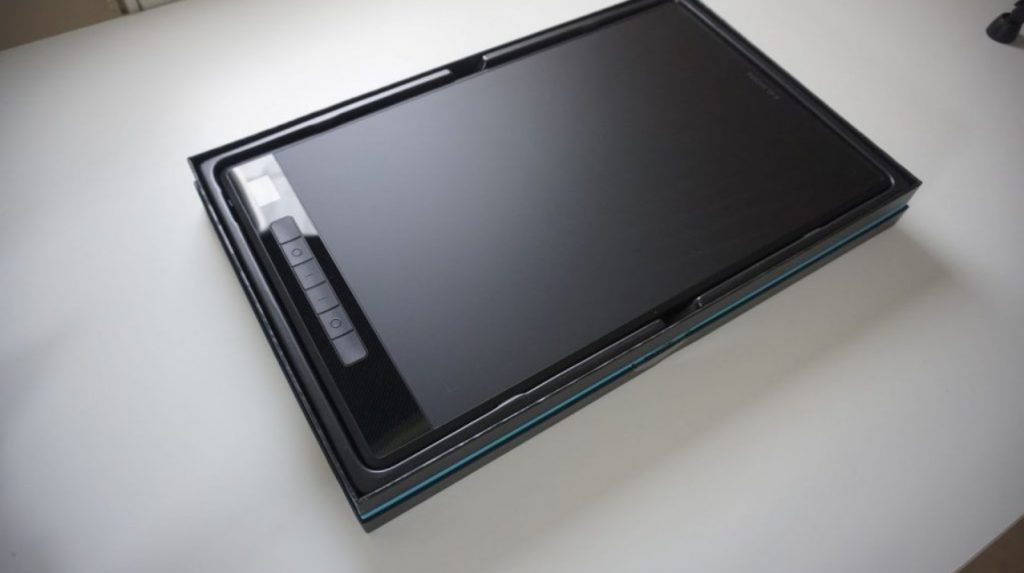
The latest Huion Giano definitely has a “pro”-look to it.
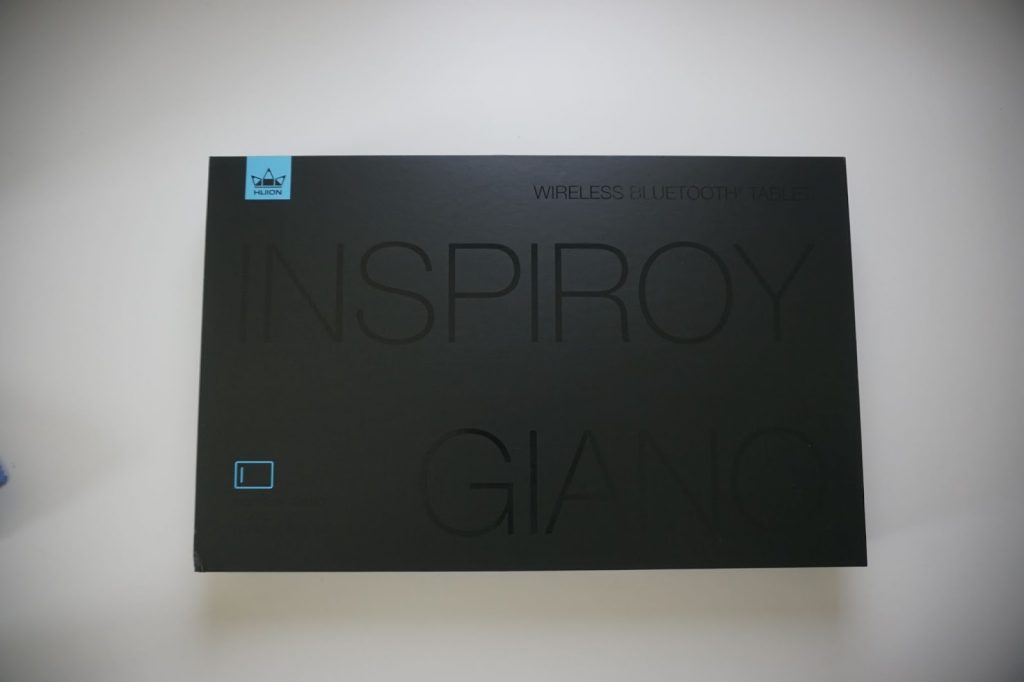
Let’s start with the clean, serious, strict box design:
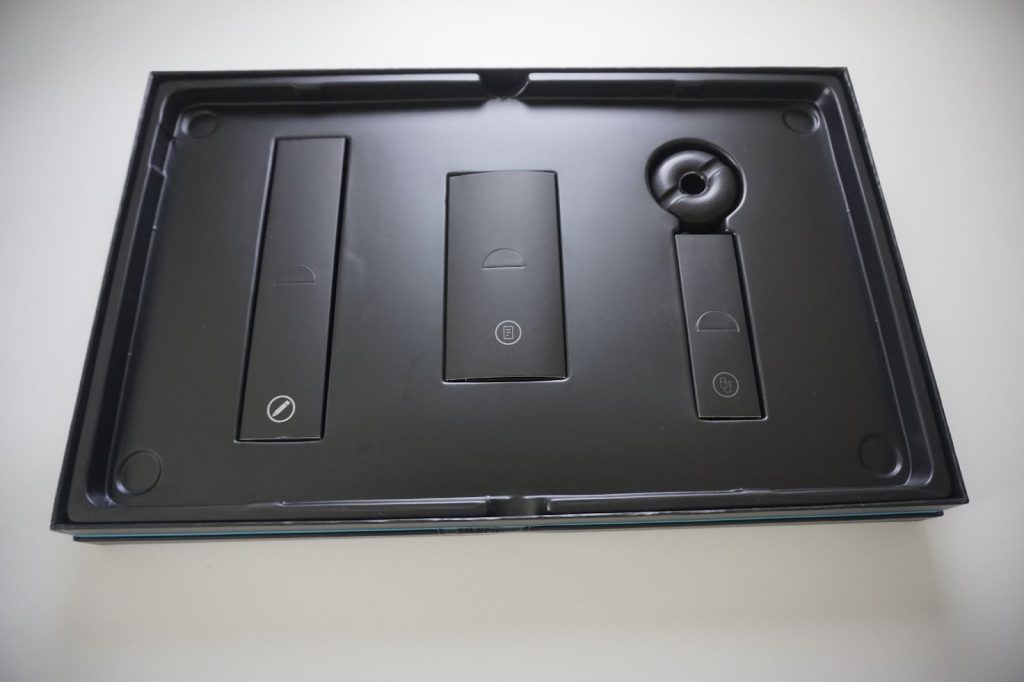
Inside it we can find everything we need: the tablet, a pen, a USB-A to USB-C cable and pen holder with additional nibs.
I like the size of the tablet and how well made it is. It has metal back and is comfortably heavy. It definitely feels very robust, high-quality and very well assembled.
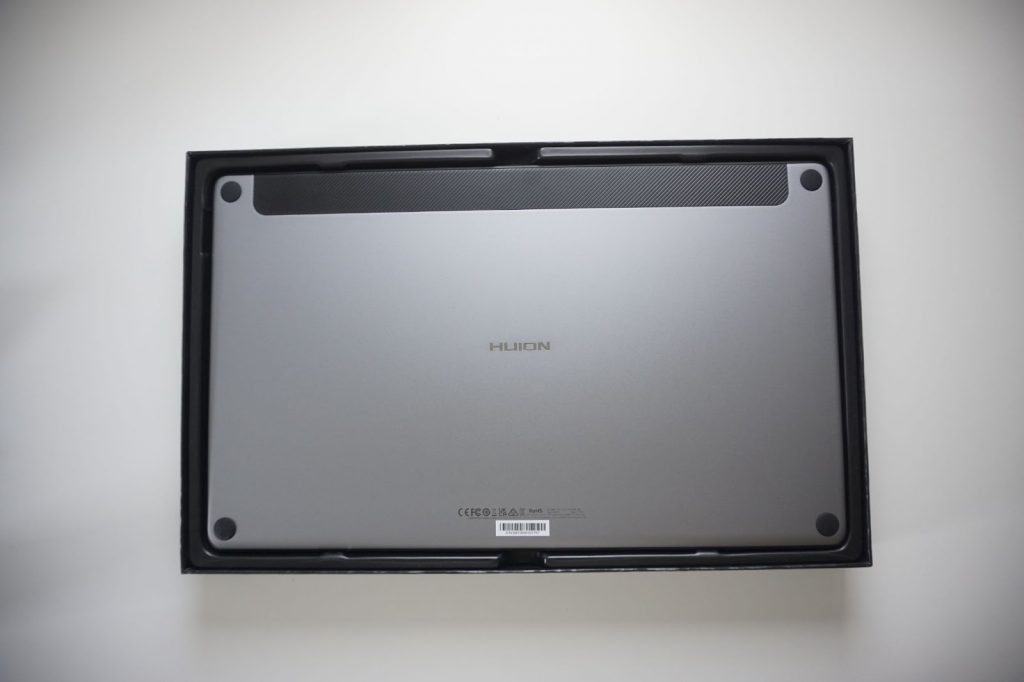
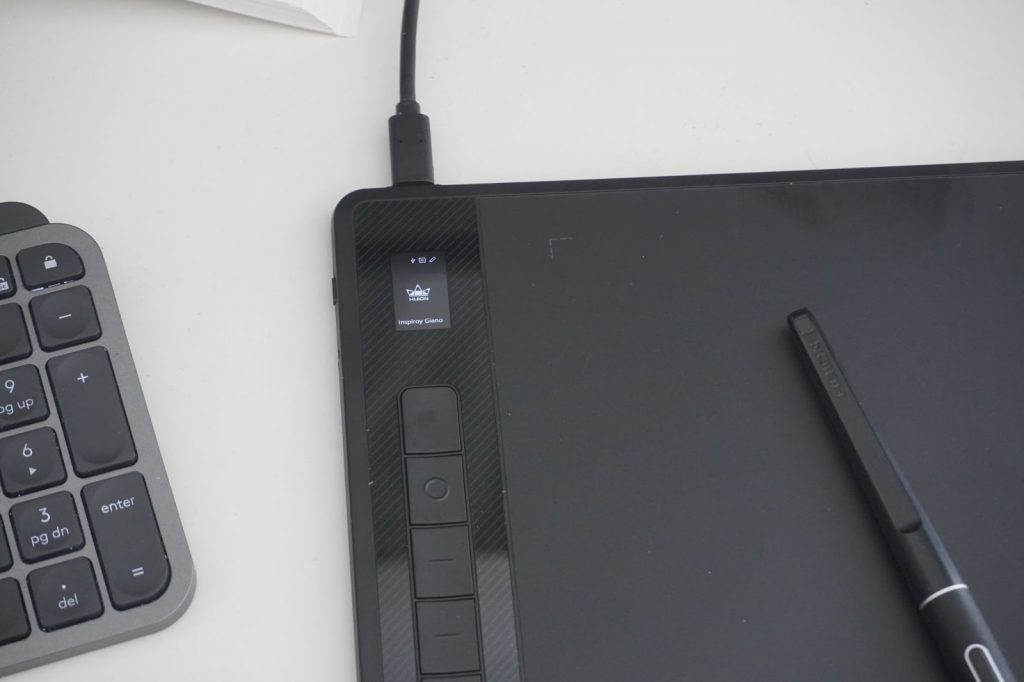
The design of this tablet caught my attention as soon as I first saw it on Huion’s website. I like that minimalistic style. I directly noticed that little status display – yes, glowing electronic gizmos!
The table has six buttons, but to be honest, until now I always used my keyboard instead of table buttons to stay more flexible and not need to adapt to new button layouts. But recently I found out that I can use these buttons to control music players, which is nice.
I was always looking for larger tablets because it gives you more control over lines. There is that rule: the larger your screen, the larger tablet you need, otherwise your brush will fly around like crazy. The working area of this one is 345.4 x 215.9mm.
The tablet has a matte surface. It’s very nice for drawing. But I would still buy an additional protection film from Huion or any other brand, otherwise pen nibs will wear out faster (my first one was done in 5 days) and the surface could get scratched over time. The matte buttons are located on a glossy, plastic strip which gets covered by fingerprints easily – I would prefer that part less shiny.
The device has built-in Bluetooth – useful for travel when you work with your laptop and don’t have much space – on a hotel’s table for example. I tried it on a desktop PC too: works good. No noticeable lag between pen movement and what I see on a screen. I don’t use the Bluetooth function usually, though.
The USB-c port is located on the top edge, which makes more sense than the side placement on previous models. The cable won’t annoy when working on a desktop (keyboard / mouse), nor will it take additional place when working on a laptop, But I would add a few ports on different sides so that it would be possible to use the side that is more comfortable, depending on the setup.
Charging via that port takes quite a lot of time compared to modern mobile phone fast-chargers – could be a downside for somebody needing to hurry in unusual places.
Setting everything up was very easy. The drivers seem universal for many tablet models (even though it’s not documented as such). I usually don’t upgrade my drivers without an actual reason, so I was pleasantly surprised that the tablet got recognized alongside other models and screen tablets that I used before.
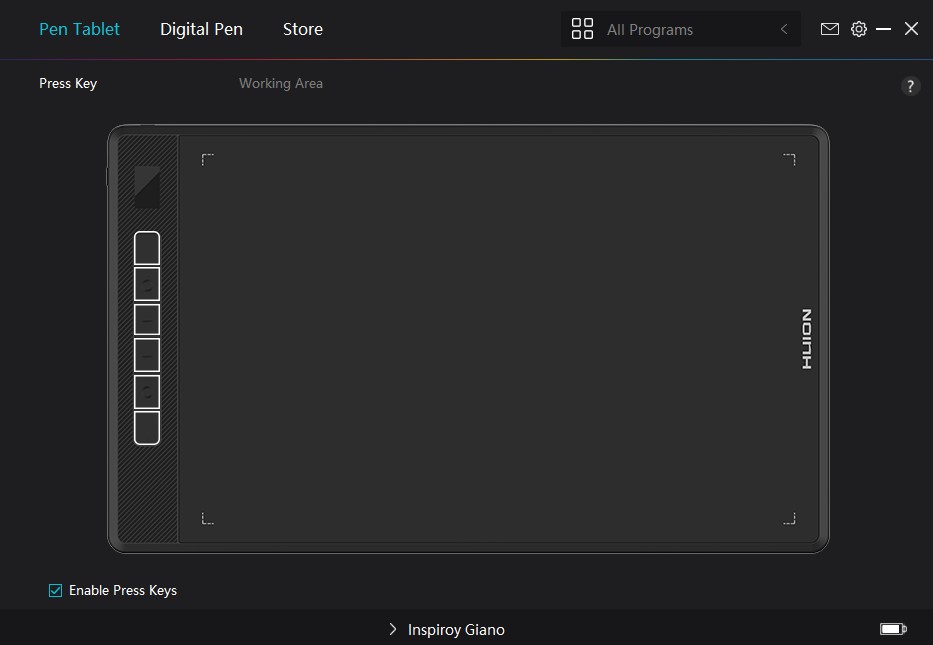
In the settings you’ll find everything you need. The settings are minimalistic and user friendly. I never had any problems with them. The driver is stable, which means: no loss of pen pressure sensitivity, no unexpected crashes etc. Good reviews in terms of reliability in both hardware and software were one of the reasons why I tried Huion for the first time in the past.
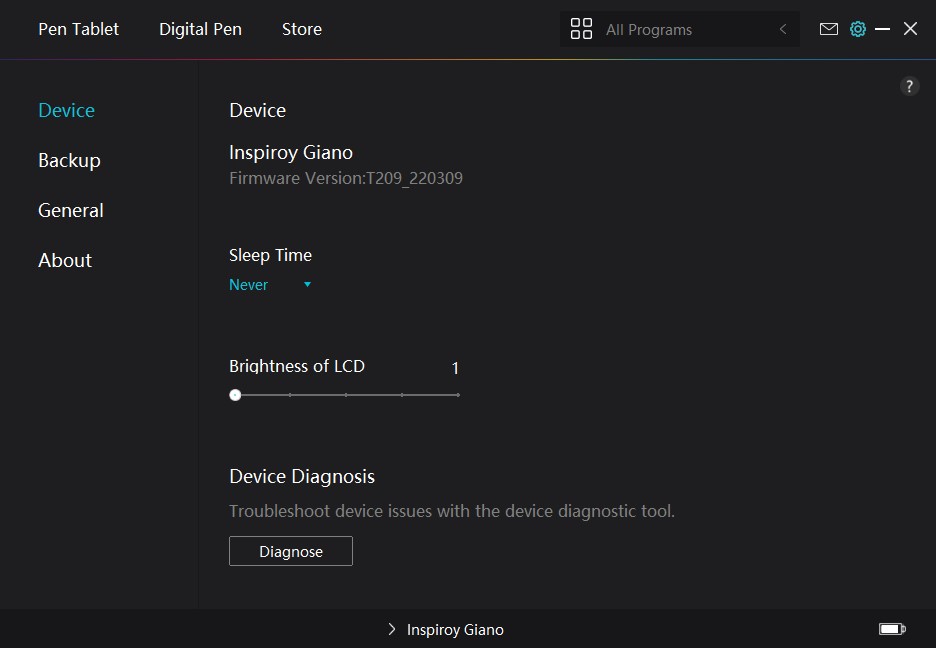
The Giano has an interval setting for going into sleep-mode. As I always keep the tablet connected with cable anyway, I’ve set it to “never”.
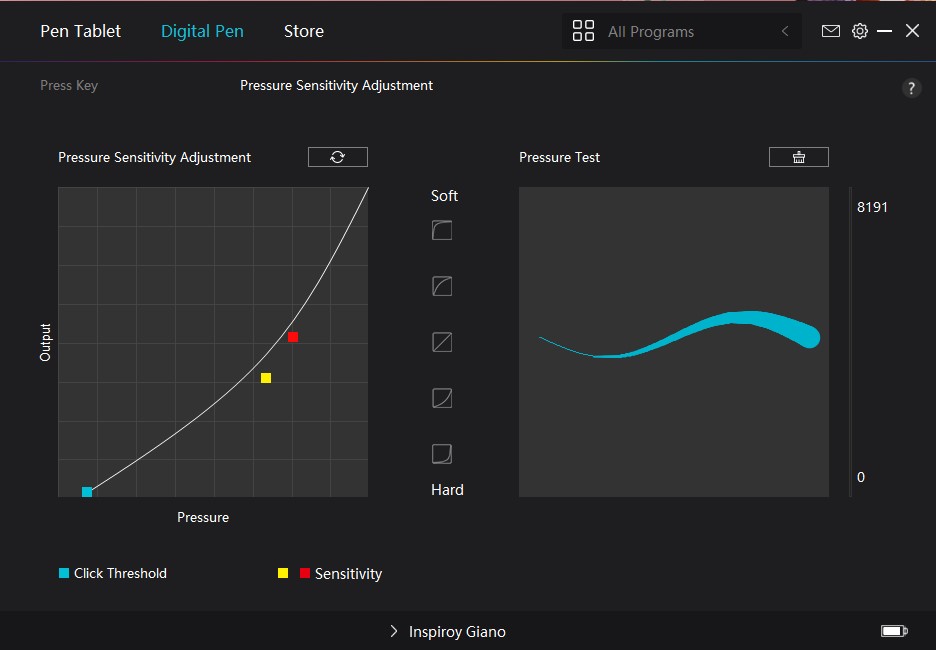
The essential pen sensitivity curve settings are present. In the latest versions they added some presets for it too. And you can have different configurations for different apps too.
It’s possible to set custom actions or key-stroke-combination for inbuilt buttons and pen buttons.
In case of multiple displays there is a selection for the one you want to work on.
Huion’s 3.0 pen feels the same as the Wacom Intuos series: professional, no wobbling of nibs inside the pen. That’s an improvement to the cheapest models.
Lines can be drawn on this tablet precisely and accurately. I don’t have any complaints about line stability neither on this device nor any other Huion’s tablets.
The small status LCD screen looks fun, but it will be useful only for those who use the Bluetooth connection. In other cases it doesn’t play much of a role or maybe will even annoy some people (but, as mentioned, you can adjust its brightness)
Every 40 minutes or so you’ll see a message on your monitor that you should stand up / get rest from sitting, which is also indicated by a standing human icon on the status LCD screen. For me it looked more fun on promotional pictures, but in real life, especially with a cable connection, you don’t need and probably won’t use the screen.
Overall, I would say that working on this tablet is a pleasure and I would definitely recommend this tablet to those who use large screens or just like large tablets.
I did a lot of work on it, both 2d and 3d. And if I would lose it tomorrow for any reason, I would just buy the same.