Thanks to Huion for providing this tablet for review. I enjoy trying different tablets and seeing what’s changed in them. I used to own the first version of this tablet, which I bought a long time ago. But let’s get to the point…
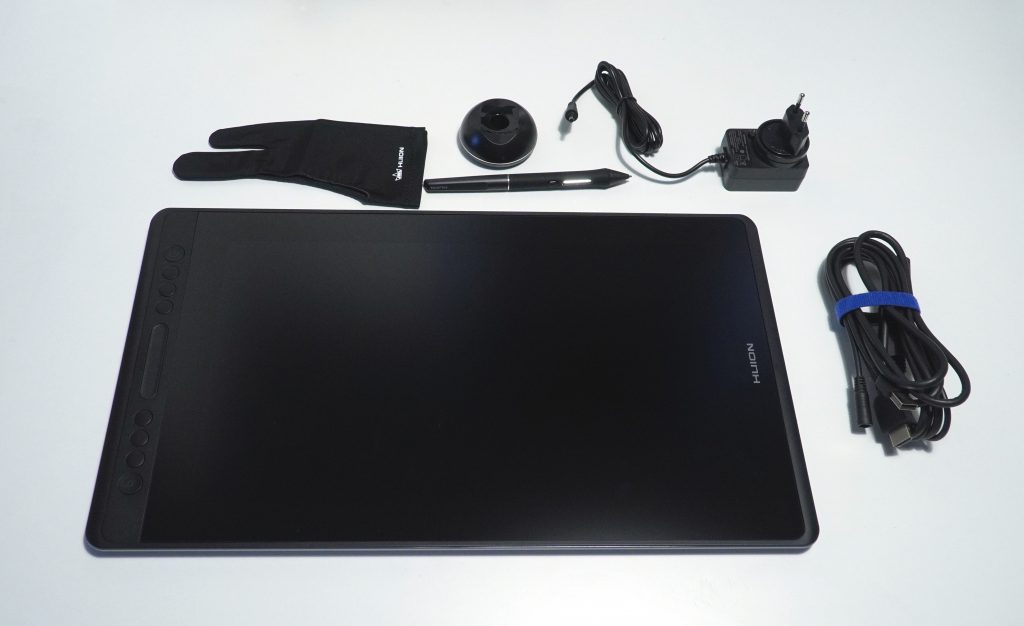
It’s very nice that the package includes a stand with an adjustable tilt. There’s also a separate power adapter with its own connector. However, the cable combines the signal source — HDMI — power, and USB into one. Personally, it would be more convenient if the power were delivered via regular USB or USB-C, like it was on the Kamvas 16 and their other tablets. This potentially reduces mobility if you plan to take the tablet traveling. Or if you just want to sit in a chair or on a bed — using a single USB-C cable isn’t an option anymore.
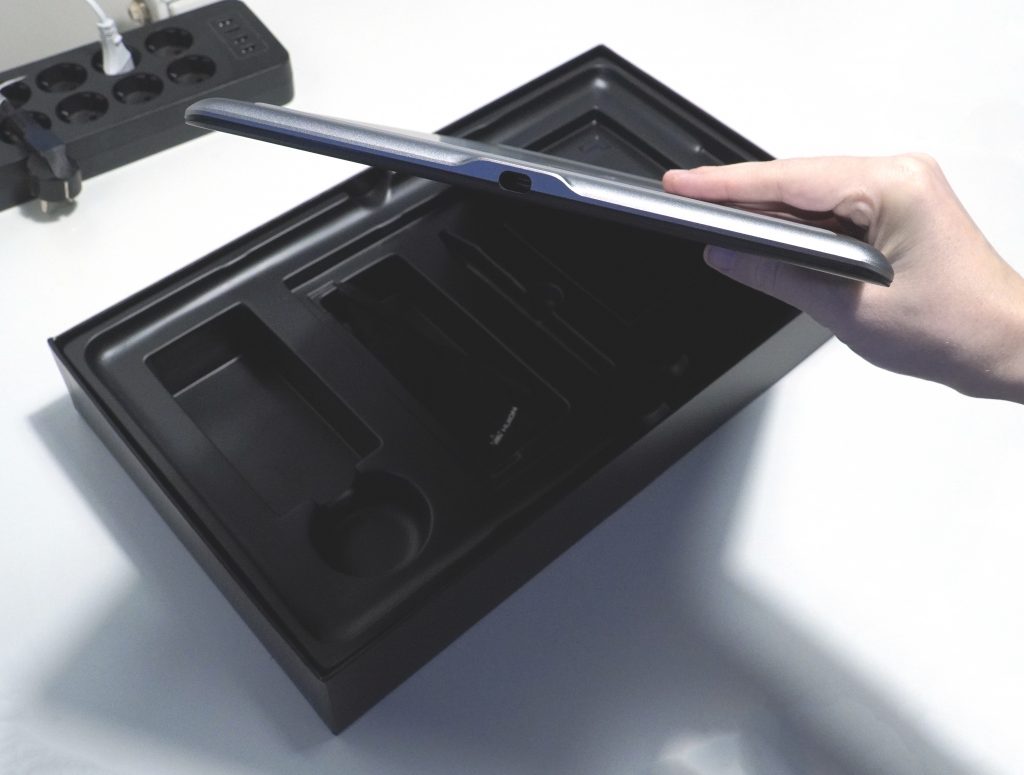
The tablet itself has one USB-C port. In previous versions it was too recessed to use third-party cables when connecting USB-C to USB-C directly. Here it’s even deeper. If something happens to the cable, you’ll have to find and buy an original replacement. That’s a downside for me. But honestly, aside from regular non-display tablets, port placement and design have always raised questions for me. I would design the mount so any cable could be used and limit its movement with the tablet’s structure or a clamp. And of course, I’d put these ports on two or three sides so users could choose which side to connect from.
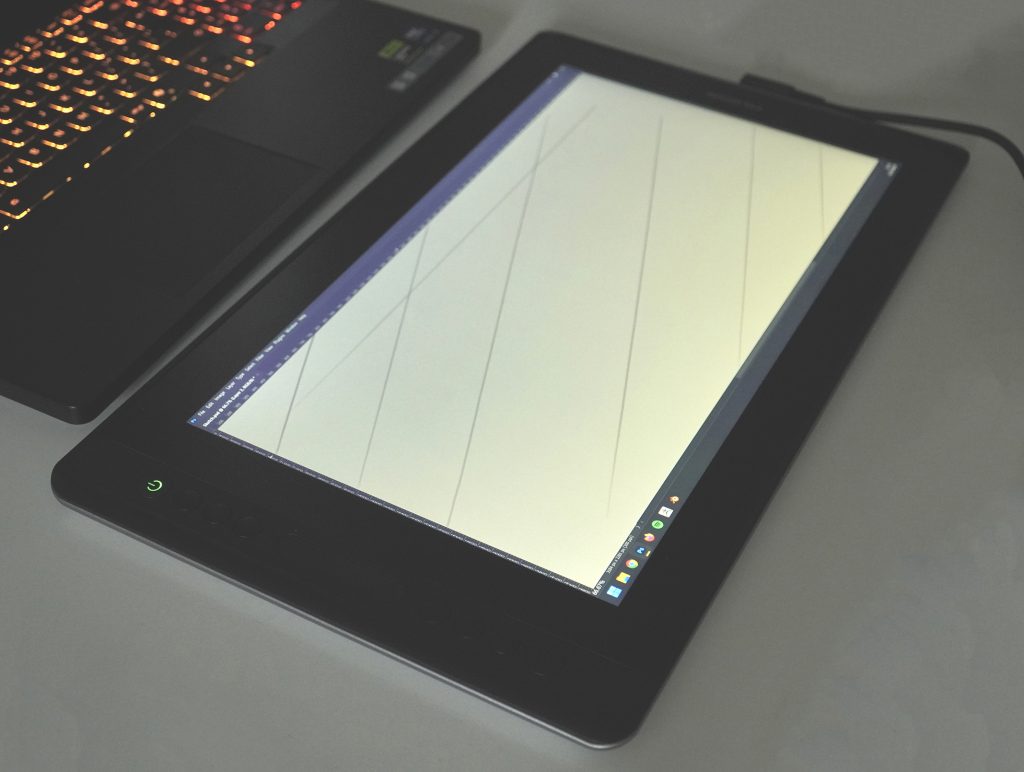
But this applies to all tablets, not just Huion.
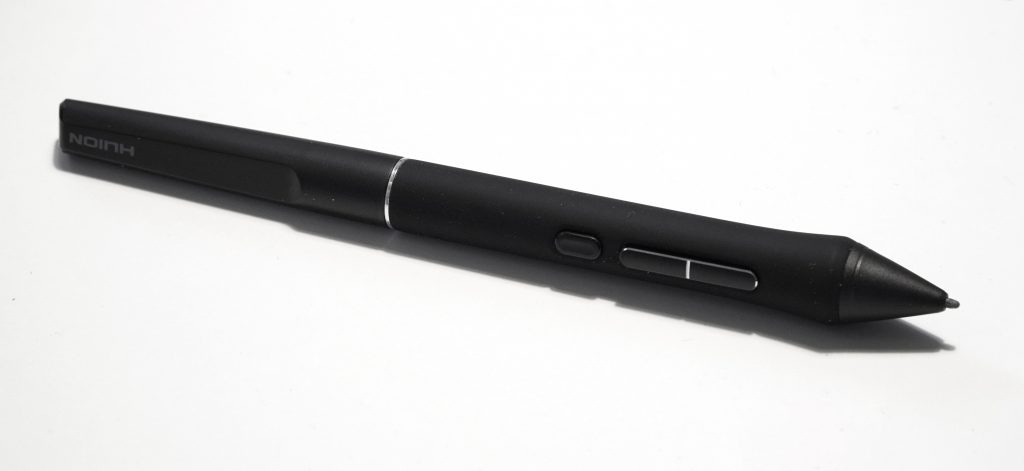
I’ve been using Huion tablets for over 7 years. After switching to Pen Technology 2.0, I don’t feel any tactile or workflow difference compared to what I had with Wacom Pro. That means Huion pens work more than well enough for me. This tablet comes with one pen. From a work perspective, it’s ideal. However, I bought the Slim pen for myself — it’s easier for me to work with and more comfortable to hold. (By the way, I tested it — it works with this tablet.)
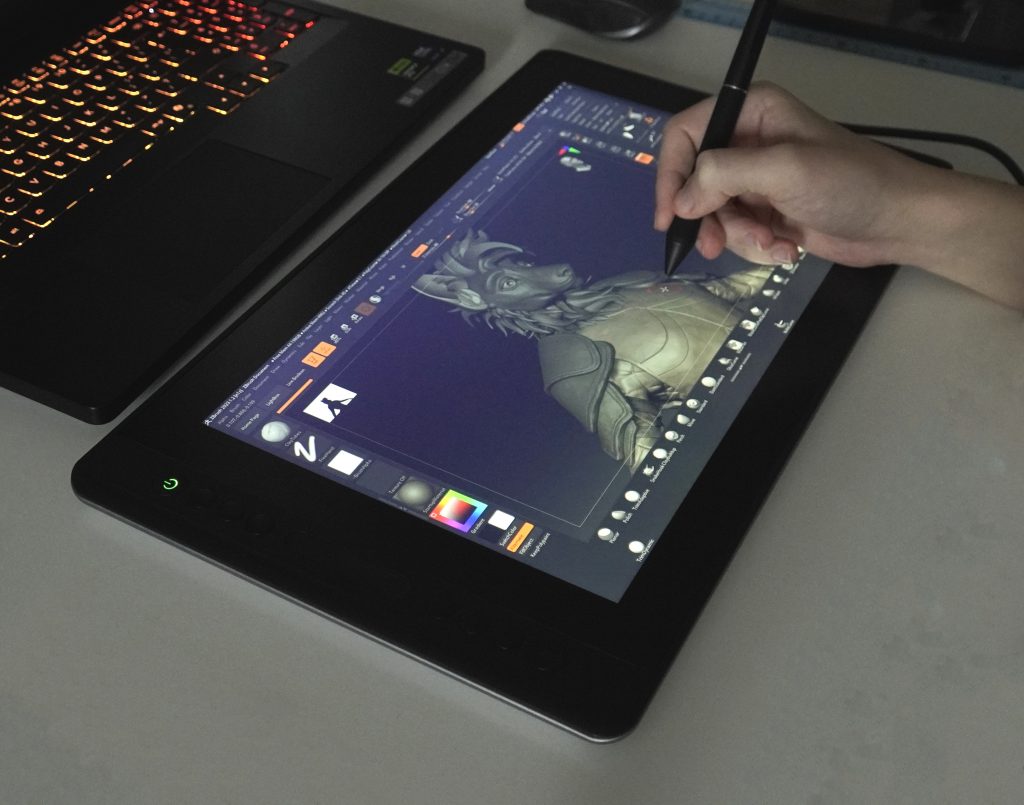
Compared to the Kamvas 16, the screen is significantly better. It has higher resolution and color reproduction with no complaints. The only thing you might notice from a build standpoint is that if you press on the left or right edge, a “wave” appears on the display typical of LCD panels. Considering this tablet has an aluminum body, I think the engineers could have avoided this. However, it’s not visible during normal use and doesn’t interfere with work.
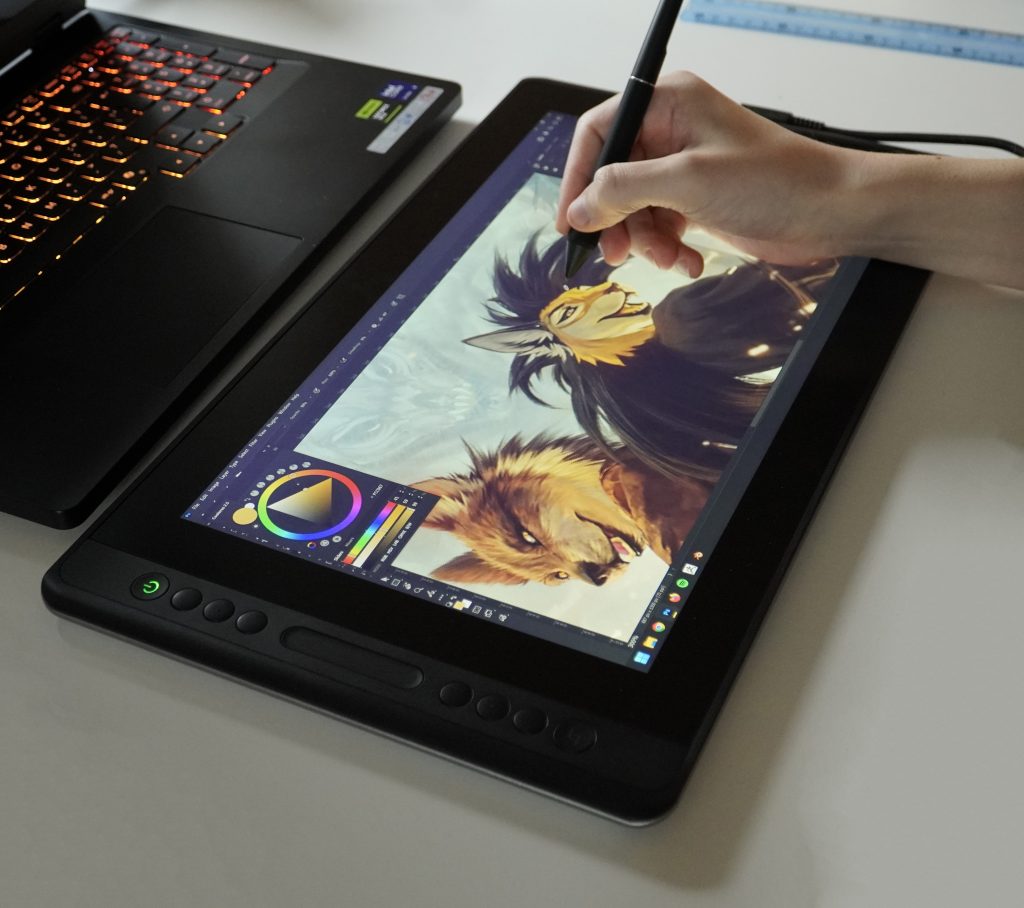
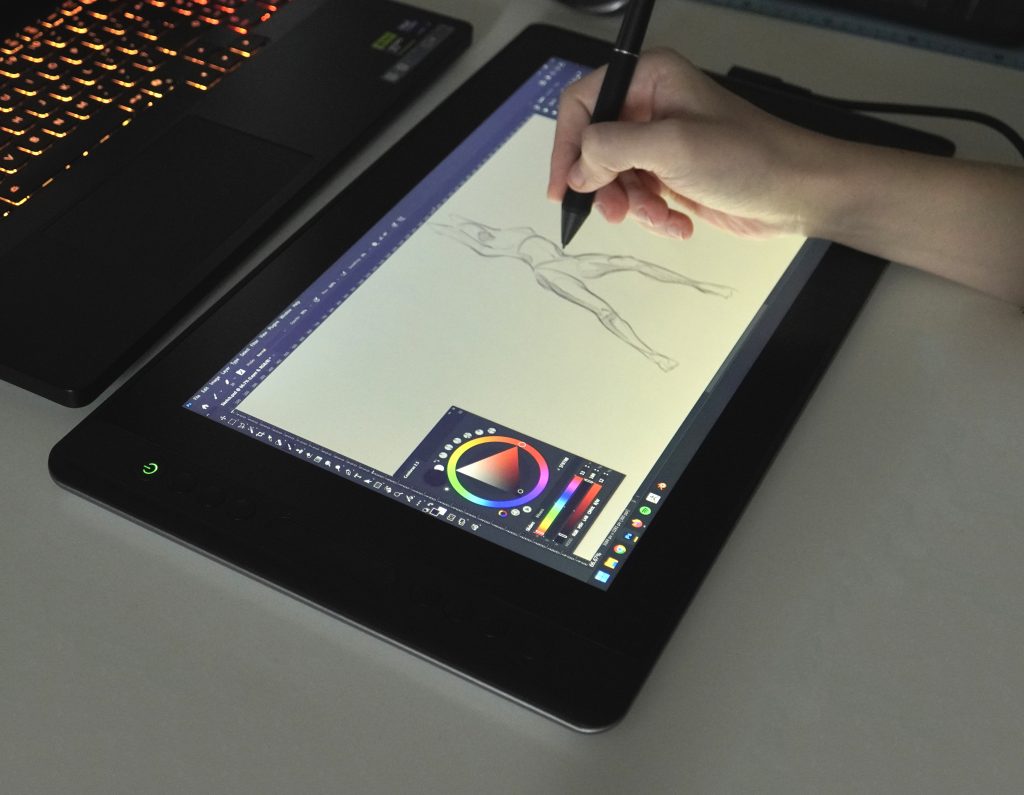
I tried the tablet for sketching, 3D work, and painting. I have no jitter or other issues. From a drawing perspective, it’s excellent.
But personally, I’d probably pay an extra $100 and go with the Kamvas 16 (Gen 3) — it looks more modern to me, both in terms of design and connectivity.