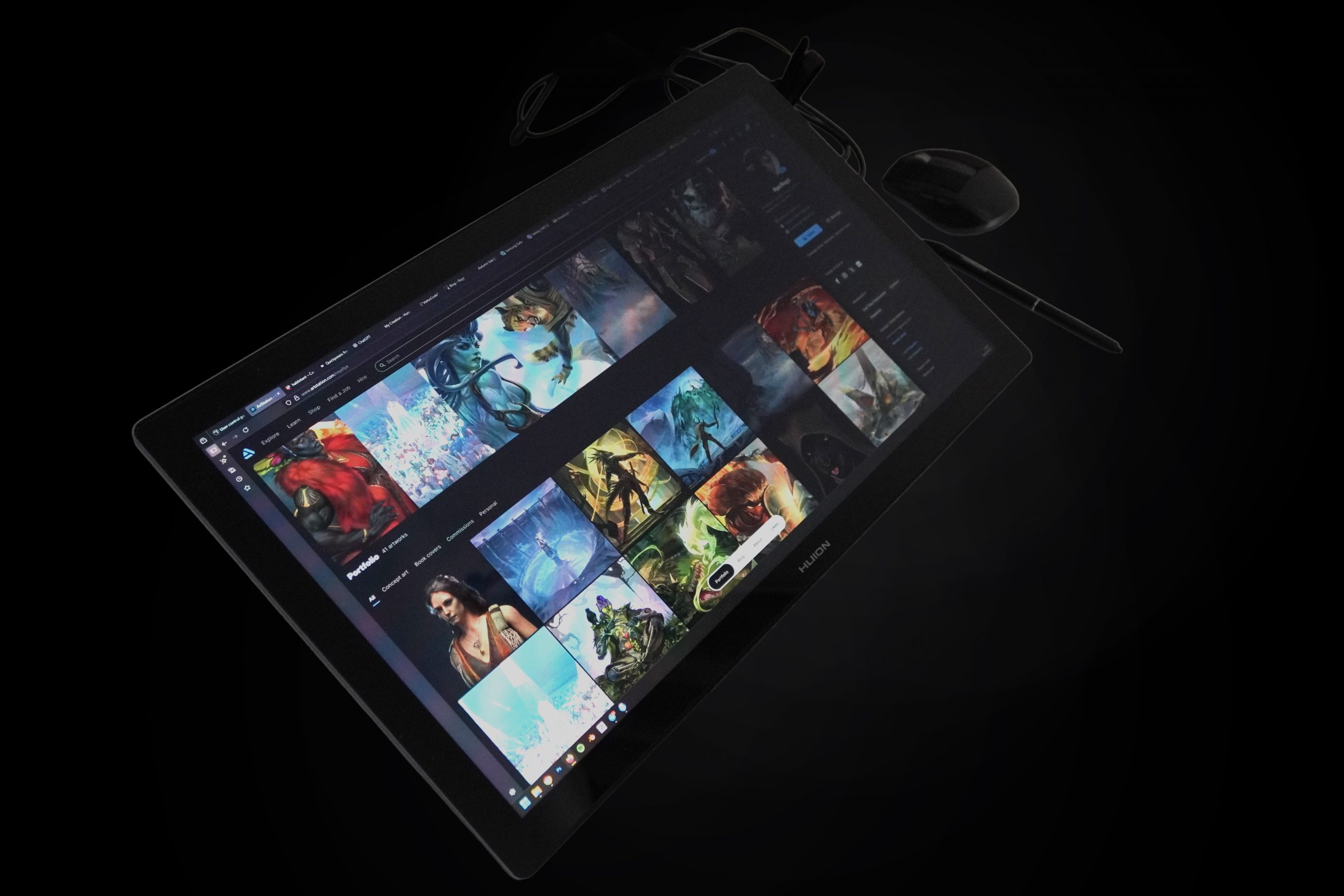
I used to have a Kamvas 16, a long time ago, when they first came out. And to be honest, I only used it like a regular graphics tablet, looking at the monitor. Or at best, for references.
The color range didn’t match what you’d see on a good monitor. The resolution was low, and most of the workspace was covered by interface elements.
Some engineering decisions — and likely design flaws — were really frustrating. For example, when using the USB-C connection, the tablet would overheat after a while, and the image would start flickering.
After that, I went back to regular screenless Huion tablets. But ever since they released the Version 3 and 4 pens, I got curious to try a display tablet again. It could offer more mobility when traveling with a laptop — one monitor for references, one for drawing. Plus, I wanted the option to work not only at a desk, since sometimes my back hurts. It would be nice to sketch while lying in bed 🙂
The best option would’ve been the Kamvas Studio 16 — a standalone computer-monitor. But it’s way too expensive, and its specs don’t satisfy me. Honestly, I have a lot of small complaints about Huion’s engineers and marketers.
So I chose the Kamvas 19 Pro.
I’ll be brief:
This is a completely different class of device. The image and pen responsiveness are excellent. Yes, it takes some getting used to after a regular tablet, but it’s still one of the best pen displays I’ve ever used (and I once had a Cintiq 32).
Honestly, there’s no real need for 4K. You won’t notice any difference compared to 2K, but it likely drives up the price a lot.
What bothers me the most is the placement and number of USB-C ports. They’re all on the right side. For this price, they really should’ve added duplicates on the left and maybe the top — so I could choose what’s more convenient, or have a backup if one port fails.
I’d also like to see a 3-in-1 cable with a DisplayPort output instead of HDMI — as an optional accessory. Most modern GPUs have 3 DisplayPorts and only one HDMI, which might already be in use.
I also enjoy the touch functionality — and to my surprise, I actually use it.
One downside is the lack of a factory-applied screen protector. Yes, there’s a special coating, but trust me, if you work on it all day every day, you’ll quickly see smudges, and accidental scratches are always a risk.
And the eraser on both included pens is completely unnecessary. It’s not made of the same material as the main nib, and honestly, it’s kind of scary — I’m not sure it won’t scratch the screen. Plus, it sometimes triggers accidentally, sending the cursor flying to another screen just because your hand is near the display.